01
Sales process mapped first
We walk through how leads arrive, who handles them and where they stall today. The CRM is then configured to match that process, not a generic template.
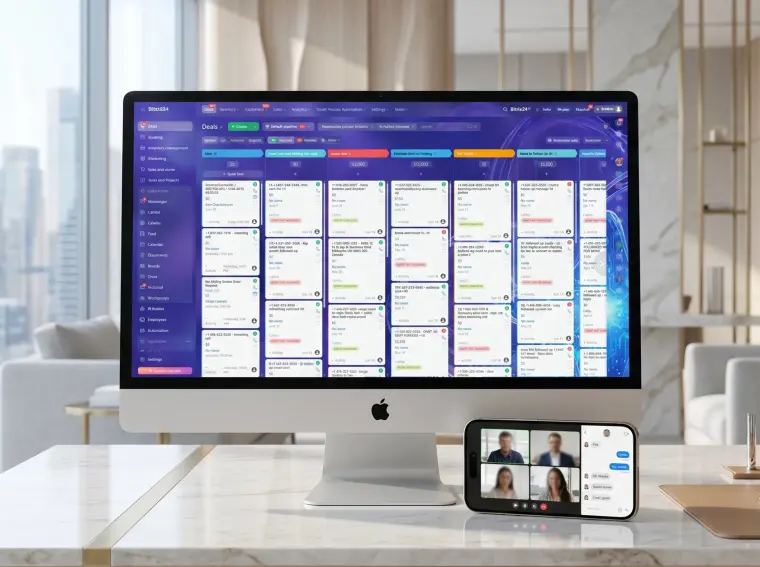
We set up a CRM around the way your team actually sells, connect your website forms, email and phone to it, and automate follow-ups so no inquiry sits unanswered and you can see every deal in one place.
The goal is a system your team uses every day, not a database that goes stale after a month.
We walk through how leads arrive, who handles them and where they stall today. The CRM is then configured to match that process, not a generic template.
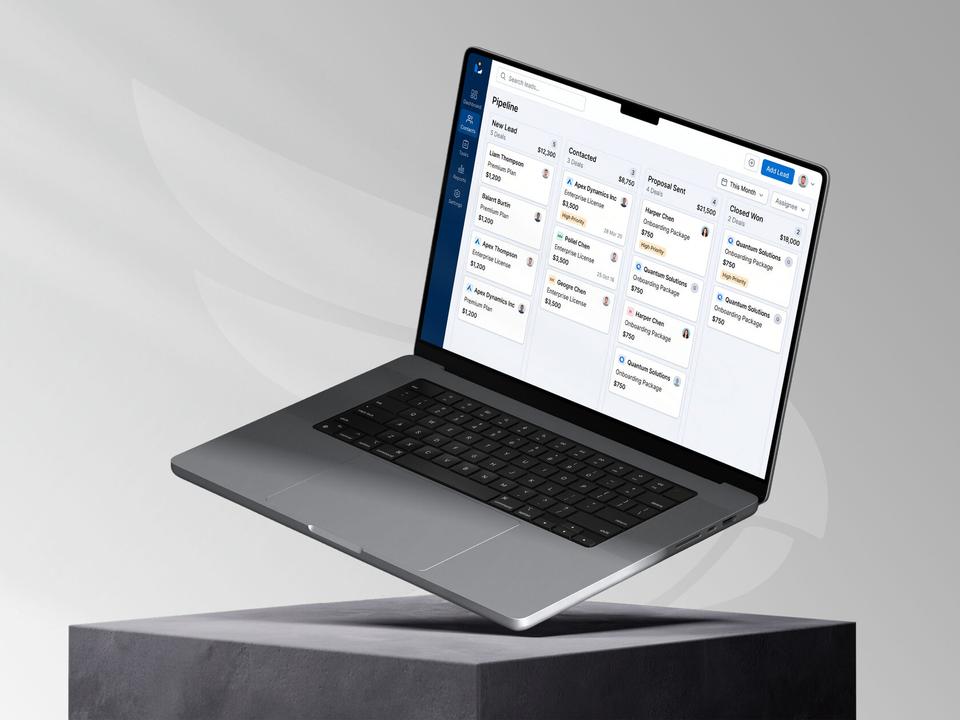
Stages, required fields and deal cards reflect how you quote, follow up and close. Managers always know the next step, and you see where deals get stuck.
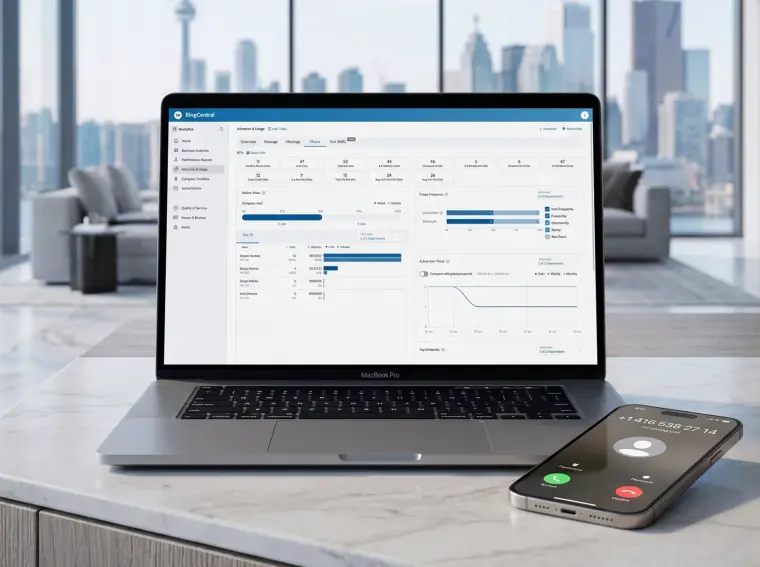
Website forms, email inboxes, phone calls and Google and Meta lead forms land in the CRM automatically. Each lead keeps its source, so you know which channel pays off.
Reminders, task assignment and follow-up emails run on their own, with consent fields that respect CASL. We train your team in live sessions and leave short guides for new hires.
A CRM pays off once inquiries come from more than one place or more than one person handles sales.
Not sure it fits? Ask usContractors, movers and repair companies across the GTA often track leads in texts, notebooks and spreadsheets. A CRM turns each inquiry into a task with a deadline, so nobody forgets to call back.
When several people quote and follow up, you need to see who owns each client and how busy everyone is. The CRM prevents double handling and lost hand-offs.
If sales reports come from memory, the CRM gives you live figures on deals, lead sources and close rates. Decisions about ads and hiring get easier.
When marketing starts bringing more inquiries, manual tracking breaks first. Setting up the system before the spike keeps response times short as you grow.
A typical implementation covers the full path from first inquiry to closed deal.
Five steps from the first call to a team working in the new system.
We review how inquiries come in, which tools you use now and what reports you need. Then we recommend Bitrix24, HubSpot, Pipedrive or Zoho based on your process and budget.
We draft stages, fields and automation rules and agree on them with you before building. This keeps the setup lean and easy to use.
We configure the CRM, connect forms, email, phone and ad platforms, and import your existing contacts and open deals.
We run test inquiries through every channel and check routing, notifications and reports. Anything unclear gets fixed before the team switches over.
Your team learns the daily workflow in live sessions, and you get admin access and guides. We stay available for questions and tweaks in the first month.
Book a free call, show us how you sell today, and get a fixed quote for your CRM setup.
Talk to the team +1 (437) 826-8716info@thrive-solutions.netSetup starts at $2,500 CAD before HST for one pipeline with core integrations. More pipelines, custom integrations or large data imports raise the price, and you get a fixed quote after a free call. CRM licence fees are paid to the vendor separately.
Most projects take 3 to 6 weeks, depending on the number of pipelines, integrations and how much data we migrate. A small team with one sales process can often go live in about 3 weeks.
It depends on your process, team size and budget. Bitrix24 and Zoho suit teams that want many tools in one place, HubSpot is strong for marketing and email, and Pipedrive keeps pipeline sales simple. We recommend one after the audit and explain the trade-offs.
Yes. We clean up and import contacts, companies and open deals from Excel, Google Sheets or your old CRM. You check the result with us before launch.
We set user roles so each person sees only what they need, and configure access and consent settings with PIPEDA in mind. The CRM account is registered to your business, so the data always stays yours.
Tell us about your project and get a free growth plan within one business day: what to fix, what to build and what it will cost.