

Every month a new platform promises to automate your marketing. Meanwhile many of the businesses we work with are missing the free basics, or paying for four tools that all do the same job.
This is the toolkit we set up for most small service businesses in Canada, grouped by the job each tool does. Product names change over time. The jobs do not.
Contents7 sections
Getting found: the free essentials
Start with Google Business Profile. For local businesses it is often the most valuable free marketing asset there is: your Maps listing, reviews, photos, hours and services, all in the place people look first. Fill in every field, add real photos monthly and answer every review.
Then claim the same listing on Bing Places and Apple Business Connect. Each takes a few minutes and covers searches that do not happen on Google, including Apple Maps on every iPhone. Finally, connect Google Search Console to your website. It shows which searches bring people to you and flags technical problems before they cost rankings.
Measuring what happens
Google Analytics 4 and Google Tag Manager are free and, set up properly, tell you what visitors do and which sources bring enquiries. The key word is properly: out of the box, GA4 does not know what a lead is for your business.
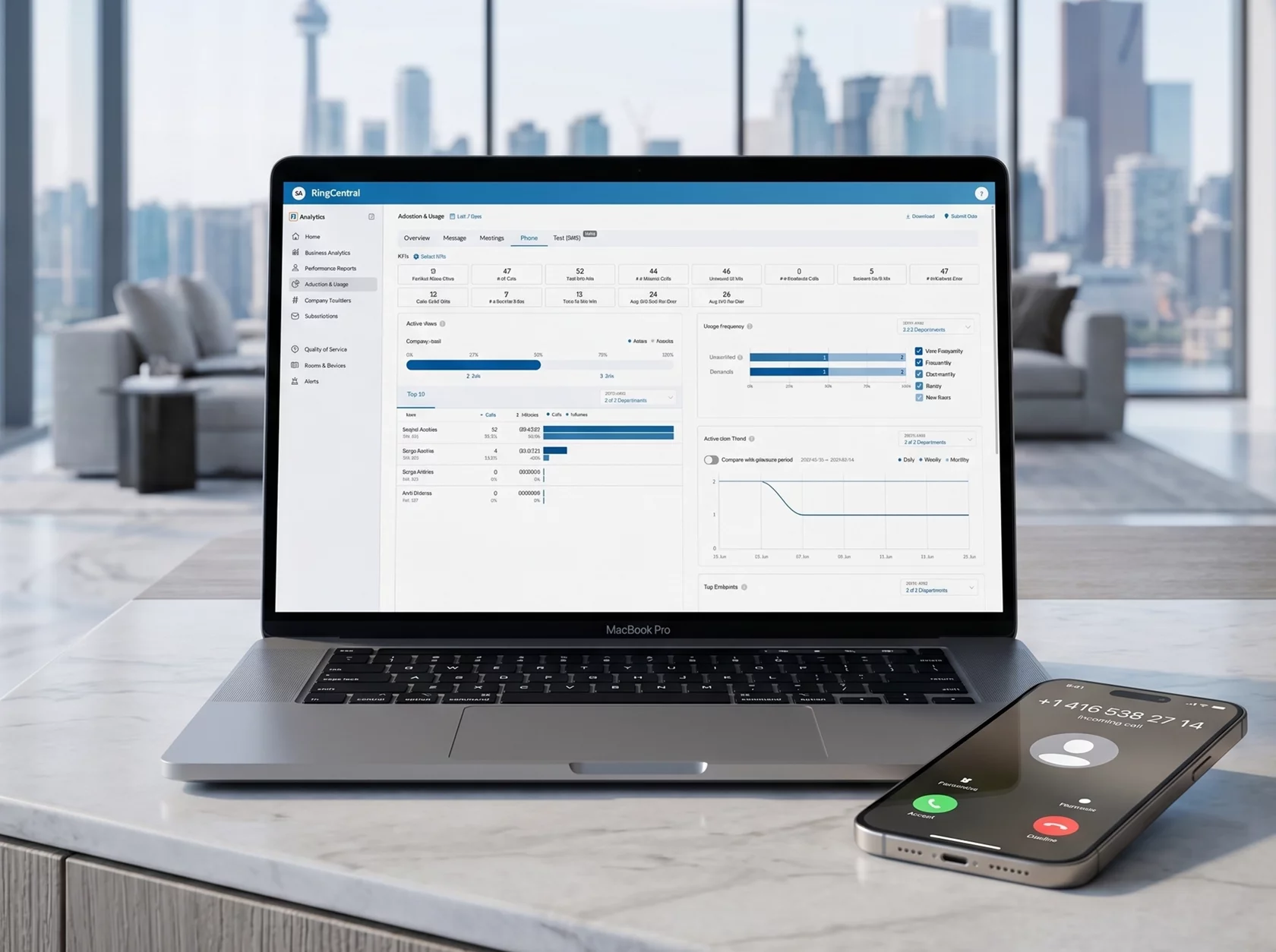
Add a call tracking service if phone calls matter to you, which for most local services they do. It is one of the few paid tools we consider essential, because without it you are guessing at half your results. Looker Studio, also free, turns all of this into a one-page dashboard.
Keeping every lead in one place
A CRM is where enquiries stop getting lost. HubSpot, Pipedrive, Zoho and Bitrix24 all do the core job: one pipeline, a card for every customer, reminders to follow up. Several have free or low-cost plans that are plenty for a small team.
The best CRM is the one your team actually opens every morning.
Connect it to your website forms and phone system so leads arrive on their own. We did exactly that for a Toronto door company in the Bitrix24 CRM case.
Making content without a design team
Canva covers most social graphics, simple ads and presentations, especially once you set up brand templates. A recent phone, a window with good daylight and a basic video editor cover short video. Meta Business Suite schedules Facebook and Instagram posts for free.
AI writing assistants are useful for first drafts, captions and outlines. Treat what they produce as a starting point: add your own examples, prices and opinions, because that is exactly what generic content lacks.
Email and follow-up
An email platform such as Mailchimp, Brevo or Klaviyo lets you send newsletters and automatic follow-ups. In Canada, CASL sets the rules: get consent before you send commercial email, identify your business in every message, include a working unsubscribe link and keep a record of when and how each person agreed.
Start small. A welcome email, a quote follow-up and a seasonal reminder will do more than a weekly newsletter you struggle to fill.
The short list
| Job | Tool | Cost |
|---|---|---|
| Local visibility | Google Business Profile, Bing Places, Apple Business Connect | Free |
| Search data | Google Search Console | Free |
| Website analytics | GA4 and Google Tag Manager | Free |
| Call tracking | A call tracking service | Paid, monthly |
| Leads and follow-up | A CRM such as HubSpot, Pipedrive or Bitrix24 | Free plans to paid |
| Design and video | Canva, a phone, a simple editor | Free to low cost |
| Mailchimp, Brevo or Klaviyo | Free plans to paid |
What you can skip for now
All-in-one suites with forty features you will not use. Expensive SEO platforms before you have content worth optimizing. Social listening tools when you get ten comments a week. Three different schedulers. Anything that promises to post AI content on autopilot.
Tools multiply easily and rarely get cancelled. Review your subscriptions once a quarter, and if you want help choosing and connecting the right ones, that is part of our CRM, automation and AI work.