

When people hear “marketing automation”, they picture complex software and elaborate email sequences. That exists, but it is not where a small business should start.
The automations that pay off first are small and practical. They make sure every enquiry gets a reply, every quote gets a follow-up and every happy customer gets asked for a review, without anyone having to remember. Here are the seven we set up first, in roughly the order they pay back.
Contents6 sections
When a lead arrives
1. Every enquiry lands in one pipeline
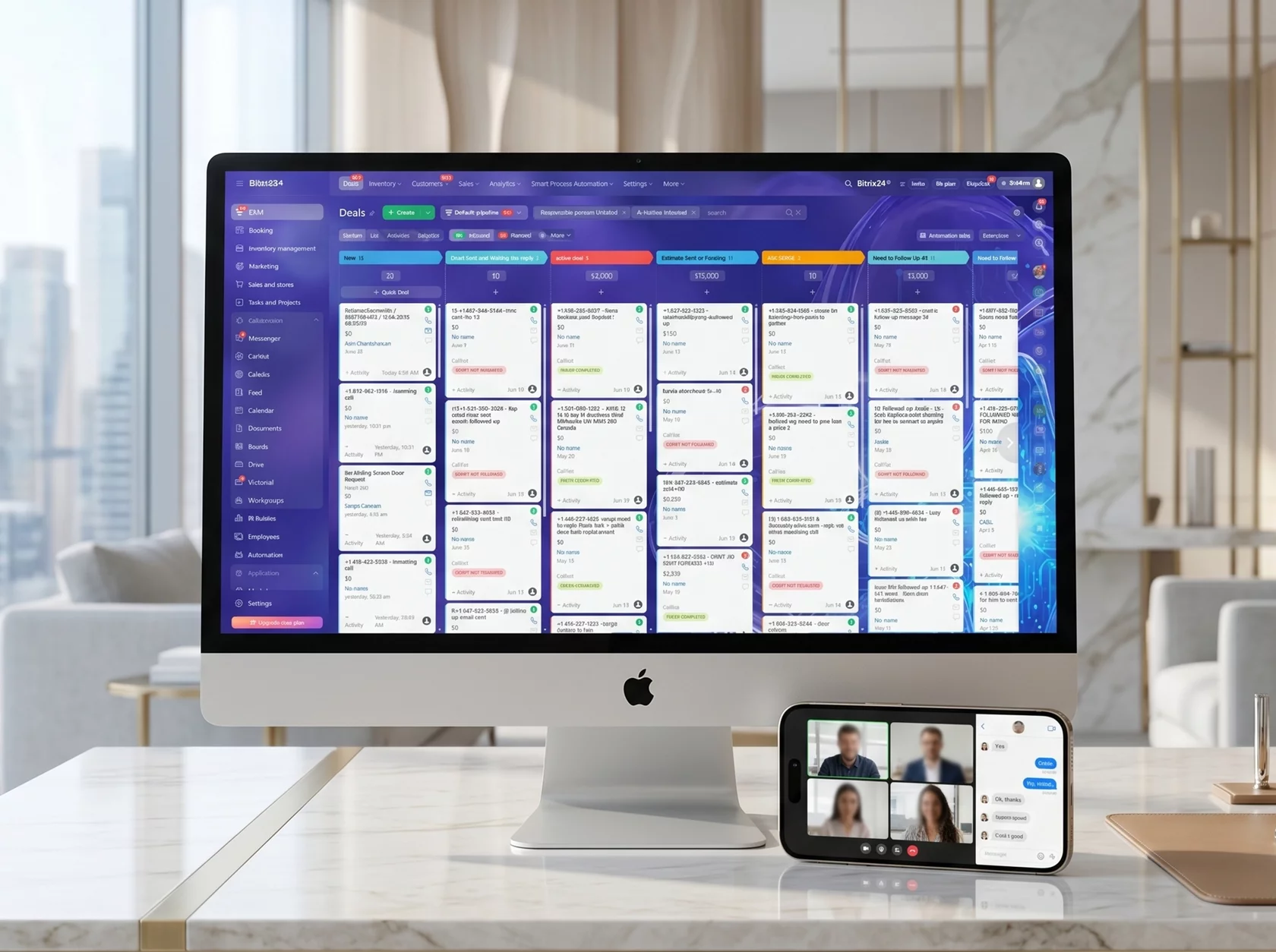
Website forms, calls, chat messages and social enquiries should all create a card in the same CRM automatically, tagged with where they came from. This is the foundation for everything else, and it alone stops leads from getting lost in personal inboxes.
2. An instant reply that sounds human
Within a minute of an enquiry, send a short confirmation by email or text: who will call, roughly when, and a phone number for anything urgent. Use the person’s name and the service they asked about. It reassures people that they reached a real business, which stops many of them from contacting the next company on the list.
3. A text back for missed calls
When a call goes unanswered, an automatic text such as “Sorry we missed you, this is Anna from the office, how can we help?” keeps the conversation going. For businesses that are often on job sites, this single workflow can recover a surprising number of jobs.
Quotes and bookings
4. Quote follow-ups on a schedule
Most quotes that are never accepted were never followed up. A friendly check-in two days after the quote, another a week later and a final one after three weeks, each stopping automatically if the customer replies, gently brings back people who simply got busy.
5. Appointment reminders
A reminder the day before a visit, with the time, the address and how to reschedule, cuts no-shows and wasted drives across the GTA.
After the job
6. Review requests
A day after the job is done, send a short thank-you with a direct link to leave a Google review. Timing matters: ask while the experience is fresh. Businesses that automate this usually see their review count grow noticeably within a few months.
7. Reminders for repeat work
Furnace maintenance every autumn, gutter cleaning in spring, a dental check-up every six months: timely reminders bring customers back. Mind CASL here. Implied consent generally lasts two years after a purchase and six months after an enquiry, after which you need express consent to keep emailing.
The tools that do this
Most of these workflows can be built in a mainstream CRM such as HubSpot, Pipedrive, Zoho or Bitrix24, connected to your website forms, phone system and email platform. Integration tools such as Zapier or Make fill the gaps between systems that do not talk to each other natively.
Rules that keep automation human
- Use the customer’s name and the specific service in every message.
- Stop sequences the moment the customer replies.
- Send messages from a real person’s name with a working reply address.
- Keep the frequency modest. Helpful, not persistent.
- Test each workflow by going through it yourself as a customer.
Good automation feels like a thoughtful person with a very good memory.
Start with the leak that costs most
If leads get lost, start with the pipeline and instant replies. If quotes stall, start with follow-ups. If you rarely get reviews, start there. Measure one number before and after each workflow, such as response time, quote acceptance rate or new reviews per month, so you know it worked. Our CRM, automation and AI team sets these up as part of a single project.